Video streaming
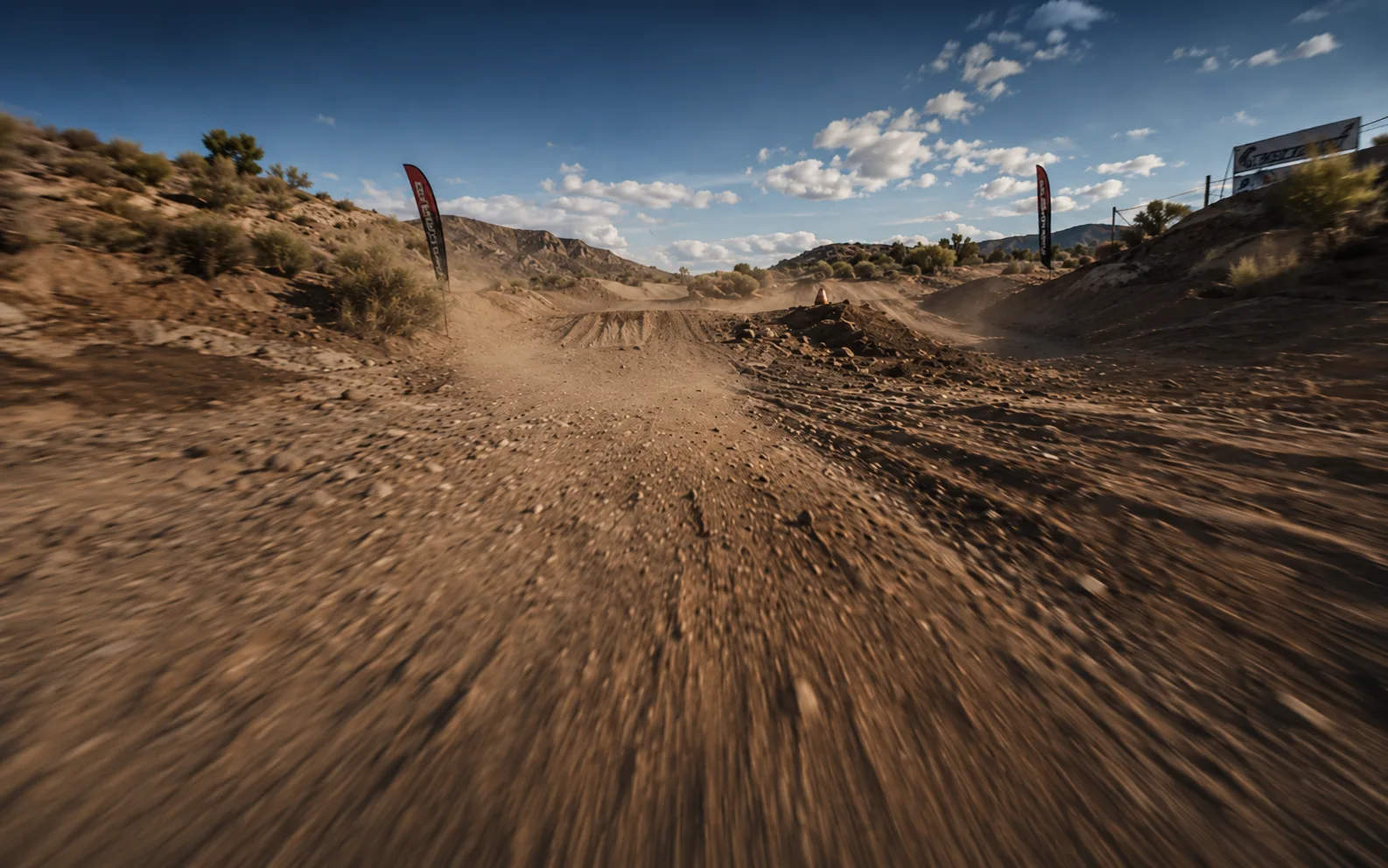
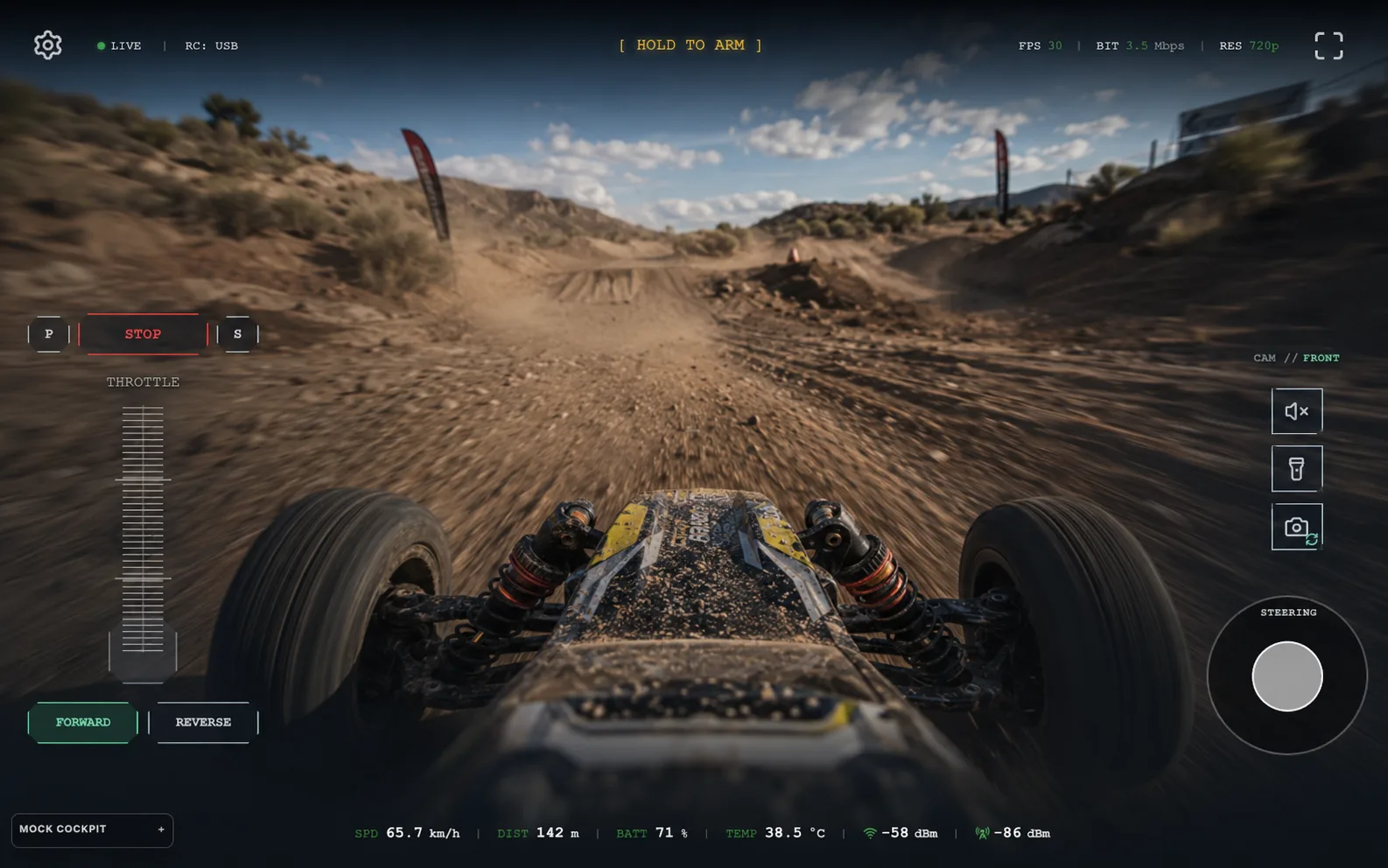
See what the car sees live in your browser — even when it moves beyond your view.

Explore Beyond Line of Sight
Mount your phone, open FPVRush, and go. See what the car sees as it moves beyond your view — down a trail, around a corner, or somewhere you've never looked from this angle before.
How It Works
Put the phone on the car, start FPVRush, open the link — and you're seeing the drive from the car's point of view. That's all it takes to get going.
Attach your Android phone to the RC car with the camera facing forward.
Open FPVRush and tap start.
Scan the QR code or open the session link in any browser. The live view appears — and you're ready to drive.
Features
Use the phone and screen you already have to turn your RC car into a new way to explore. See what it sees, control where it goes, and keep discovering beyond your own view.
See what the car sees live in your browser — even when it moves beyond your view.
Use a tablet as your controller and keep driving from wherever you choose to stay — on a bench, on the porch, or indoors.
Connect a PlayStation controller and drive the way that already feels familiar. Familiar controls, new places to explore.
Light up a dark corner, listen to what's around the car, or speak through it. Useful when curiosity takes you somewhere you can't see from where you are.
Range
With FPVRush, the car can keep moving while the live view stays with you. Around a corner, along a trail, across a larger space — you stay where you are and keep exploring.
Switch to LTE when you want to explore beyond your local Wi-Fi connection. Around a corner, down the street, or farther through an open space — you stay where you are and keep driving.
The live view adjusts automatically as the connection changes, helping the drive stay usable when the signal gets weaker.
Position, speed, signal, and battery stay visible while you drive, so you can keep following the car even when it's out of sight.
The live view is designed to respond quickly, so steering feels direct even when you're driving from a distance.
Coming next
Mapped routes, waypoints, saved moments, and more ways to remember every exploration are coming next.
Join the Android beta, mount your phone, and go see what's there.
Closed beta via Firebase · Google account required · free to use during testing.
Requirements