Early app builds
Get access to the latest Android beta builds before the public release.

PRIVATE ANDROID BETA
Test FPVRush on your own Android device, connect your RC setup, and help shape the control workflow before public release.
Distributed via Firebase App Distribution — Google’s official Android app testing platform.
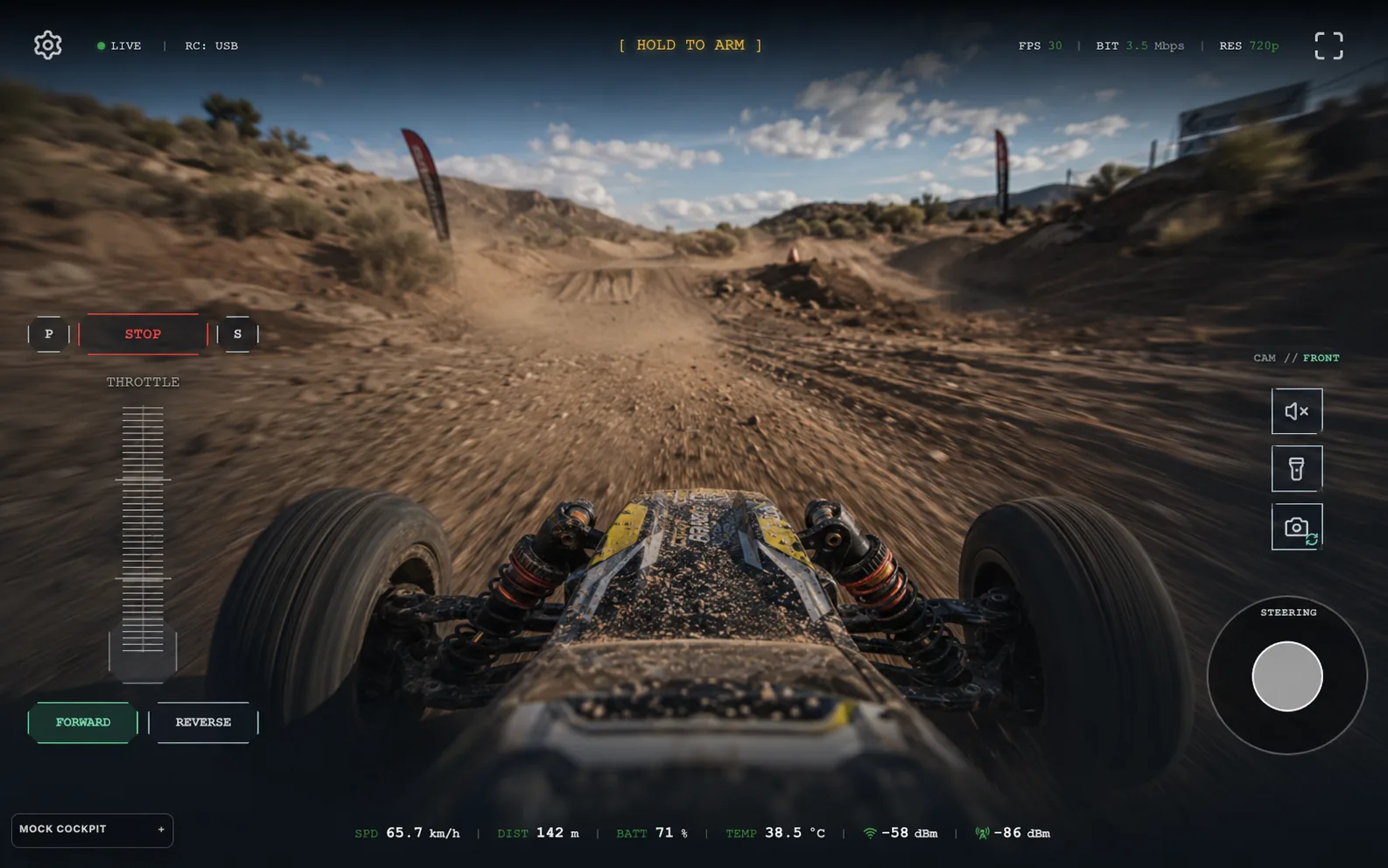
Beta access
Get access to the latest Android beta builds before the public release.
Share bugs, setup issues, and workflow suggestions directly with the FPVRush team.
Get help with installation, Android permissions, and basic RC setup during beta testing.
Firebase App Distribution
Use the email you want to test the Android beta with.
Join the FPVRush tester group through Firebase App Distribution.
Open the install email on your Android device and download the newest beta version.
Android install
Open the invite link directly on your Android device to join the Firebase tester group, or scan the QR code if you are on desktop.
Having trouble installing the beta? Support and feedback channels will be available here soon.